How to Choose the Right Student Management Software for Your Dance School
August 14, 2026
Choosing software for a dance school shouldn't begin with the question, "Which system has the best billing features?"
Tuition collection is important, but it is only one part of running a successful dance school.
The software you choose should make life easier for administrators, teachers, students, and parents, not simply give your school another way to send invoices.
The right platform should connect the entire student journey: enrollment, scheduling, attendance, teaching, progress, communication, engagement, community, and payments.
That is the difference between a billing application and a true student management system.
1. Start with the student and teacher experience
Before comparing features, ask a more important question:
What should it feel like to use this software every week?
A student or parent should be able to quickly answer:
- What classes am I enrolled in?
- When is my next class?
- Who is my teacher?
- Has anything changed?
- How am I progressing?
- What events or workshops are coming up?
- What achievements have I earned?
- What does the school need from me?
Teachers need an equally focused experience. They should be able to open the system and immediately see their classes, rosters, schedules, attendance, relevant student information, and teaching-related tasks.
The administrator may need access to everything, but the teacher and student shouldn't have to navigate an administrative system designed around invoices and reports.
A good platform uses role-based experiences: administrators manage the school, teachers manage their teaching, and students and parents manage their participation.
2. Look beyond billing
Billing should work well, but it should not define the product.
A comprehensive dance-school platform should connect:
Student → Program → Session → Check-in → Attendance → Progress → Achievement → Communication → Community → Rewards
This creates a much more valuable source of information than a simple list of paid invoices.
For example, a check-in isn't merely evidence that a student attended class. It can become part of the student's attendance history, engagement profile, achievement progress, and retention picture.
This is one of the strongest principles visible in the Monstro X product architecture: check-in is a data engine rather than merely an attendance register.
When attendance is connected to achievements, ranks, rewards, and engagement metrics, the school can use the information to improve the student's experience rather than simply record it.
3. Make attendance useful to teachers
Attendance should be fast enough that a teacher can complete it without interrupting the class.
But the real question is what happens to the information afterward.
A basic system might tell you:
Sarah — Present.
A better system can build a history:
Sarah has attended 18 classes this term, maintained a strong attendance streak, and is progressing toward her next milestone.
For a dance school, that information can support conversations between teachers and students and help identify students who may need additional encouragement.
It can also power automated achievements and recognition.
This is where the architecture documented in the Monstro X Help Center becomes particularly interesting: check-in feeds attendance, which can feed achievement triggers, rank progress, rewards, and engagement metrics.
4. Give teachers a genuine teaching workspace
One of the biggest mistakes when selecting school-management software is evaluating only the administrator's experience.
Teachers are daily users too.
Ask a prospective vendor:
"Show me exactly what a teacher sees five minutes before class."
The ideal experience might look something like:
My Classes Today
- Ballet Beginners — 4 PM
- Contemporary Intermediate — 5 PM
- Studio 2
- Class roster
- Attendance
- Student information
- Notes
- Progress
- Class communication
Teachers shouldn't have to navigate through financial accounts, merchant settings, tax configuration, or other administrative features just to take attendance.
The system should expose what they need and hide what they don't.
This principle is particularly important as your school grows. Adding more administrative functionality shouldn't automatically make the teacher experience more complicated.
5. Make student progress visible
Dance is fundamentally about development.
Students work on technique, musicality, flexibility, performance, confidence, creativity, choreography, and many other skills. Yet traditional management systems often reduce the student to an enrollment record and payment history.
That is a missed opportunity.
Look for software that can make progress visible.
Progress might include:
- Classes completed
- Attendance milestones
- Technique achievements
- Performance milestones
- Workshops completed
- Competition participation
- Teacher recognition
- Skill development
- Program completion
- Personal goals
This is where gamification can become more than points and badges.
Instead of telling a dancer:
"You earned 500 points."
the system could communicate:
"You've completed your first 25 classes."
"Your teacher recognized your progress in turns."
"You've completed Foundation Level 1."
"You're working toward your next milestone."
The goal isn't to turn dance into a video game. The goal is to make progress visible and meaningful.
6. Choose software that supports recognition
Recognition can be particularly powerful in dance.
A student's journey contains many moments worth celebrating:
- First class
- First performance
- First solo
- First competition
- 10 classes completed
- Perfect attendance
- First workshop
- New technique mastered
- Performance season completed
- Program completed
Some achievements can be automatic. Others can come directly from teachers.
That second category is important.
A notification saying "Congratulations, you earned a badge" is useful.
A message saying "Your teacher recognized your improvement in musicality" can be much more meaningful.
Software should therefore support the human relationship between teacher and student rather than trying to replace it.
7. Give students and parents a real portal
Don't assume that a "student portal" automatically means a good student experience.
Ask what students and parents can actually do.
A useful portal should provide access to things such as:
- Personal schedules
- Class information
- Teacher information
- Attendance
- Progress
- Achievements
- Announcements
- Events
- Workshops
- Community communication
- Important documents
- Account information
- Payments
For younger dancers, parents will often be the primary account holders. The platform should therefore support the family, not just an individual student.
One family may have two or three children attending different programs, teachers, and schedules.
The software should make that complexity easier—not harder.
8. Look for communication and community features
Your school doesn't exist only when someone is paying tuition.
Between classes, you have announcements, performances, workshops, competitions, schedule changes, celebrations, questions, and community interaction.
A useful platform should help the school communicate directly with its students and families.
The Monstro X architecture includes both community posts and group messaging, reflecting two different communication needs:
Broadcast: "Here's an announcement for everyone."
Conversation: "Here's a discussion with this particular group."
That distinction is valuable for a dance school.
It also reduces dependence on external social platforms for essential school communication.
9. Consider engagement, not just retention
Many software platforms approach retention by helping schools contact people who have already stopped attending.
That's useful, but there is another approach:
Give students reasons to remain engaged before they disappear.
Attendance milestones, achievements, progress, recognition, rewards, and community can all contribute to that experience.
The Monstro X product documentation describes this philosophy as making returning rewarding rather than relying exclusively on reminders and marketing campaigns.
For a dance school, that could translate into:
"You've attended eight weeks in a row."
"You're one class away from your next milestone."
"Your teacher has recognized your progress."
"You've completed this program—here's what's next."
Those interactions are about the student's relationship with dance, not merely the school's relationship with the student's credit card.
10. Don't forget the operational foundations
A student-centered experience still requires solid administration underneath it.
Your software should handle the fundamentals reliably:
- Student and family records
- Programs and sessions
- Staff and permissions
- Scheduling
- Attendance/check-in
- Waivers and documents
- Packages
- Holidays and closures
- Merchandise
- Promotions
- Payments
- Reporting
- Integrations
- Data export
The Monstro X knowledge base also illustrates an important lesson: these features are interconnected.
For example, a wrong timezone can affect schedules, reminders, and closures. A missing session means there's nothing for a check-in station to process. Without check-in data, attendance-dependent engagement features cannot function properly.
In other words, the visible student experience depends on reliable operational foundations.
11. Test the software with real teachers and students
Never select software solely from a sales demonstration.
Before committing, run a real-world test.
Give a teacher a tablet and ask them to:
- Find today's classes.
- Open a roster.
- Take attendance.
- Find a student's relevant information.
- Add a teaching note or progress information.
- Find their schedule for next week.
Then give a student or parent access and ask them to:
- Find their schedule.
- Find their next class.
- Check an announcement.
- Find their progress or achievements.
- Register for an event or workshop.
- Manage their family information.
Finally, give the administrator a realistic scenario:
Create a class, assign a teacher and room, enroll students, schedule sessions, record attendance, communicate a change, and review the resulting information.
Then ask everyone one question:
"What frustrated you?"
That answer may be more valuable than a hundred-item feature comparison.
12. Evaluate the whole ecosystem, not just the price
When comparing platforms, don't make subscription price the deciding factor.
Evaluate at least these areas:
| Area | What to look for |
|---|---|
| Student experience | Schedule, progress, achievements, communication |
| Teacher experience | Classes, rosters, attendance, notes, progress |
| Family experience | Multiple children, schedules, announcements, account |
| Administration | Enrollment, staff, permissions, reporting |
| Scheduling | Programs, sessions, rooms, instructors |
| Attendance | Fast check-in and useful history |
| Engagement | Achievements, milestones, rewards |
| Community | Posts, groups, messaging |
| Billing | Payments, packages, invoices, discounts |
| Integrations | Accounting, payments, website and other tools |
| Security | Permissions, privacy, data protection |
| Data portability | Export and migration capability |
| Support | Onboarding and ongoing assistance |
The important thing is that billing is only one category among many.
The ultimate test
The right dance-school management software should make three people happier:
The administrator:
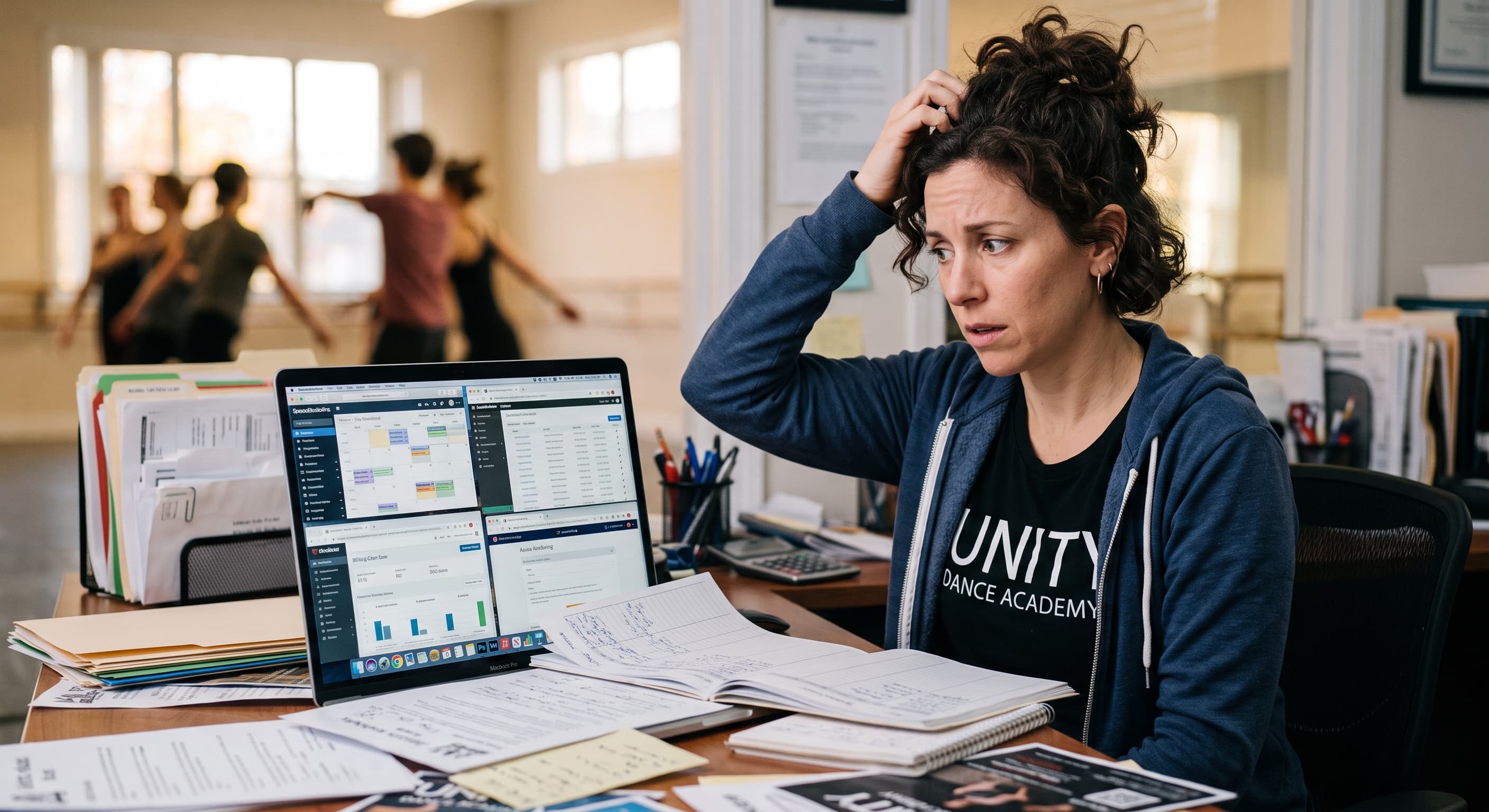
"I can run the school without fighting spreadsheets and disconnected systems."
The teacher:
"I can focus on my students instead of doing administration."
The student:
"I can see my schedule, my progress, my achievements, and my place in the school community."
If a platform only achieves the first one, it is an administrative system.
If it achieves all three, it starts becoming something much more valuable: a digital platform for the entire dance-school experience.
That should be the standard when evaluating your options.
And for schools considering a platform such as Monstro X, the most interesting question isn't simply whether it can collect tuition or manage memberships. The more important question is whether its underlying combination of check-in, attendance, achievements, progress, rewards, communication, community, and operational management can be shaped around the actual journey of a dancer and the daily workflow of a dance teacher.
The goal isn't to find software that manages your students. The goal is to find software that helps your school, teachers, and students succeed together.